How to Save Money on Streaming Bundles in 2026
This article may contain affiliate links. If you make a purchase through these links, we may earn a small commission at no extra cost to you. Learn more
Quick Answer
How to Save Money on Streaming Bundles in 2026
Drop to one or two services at a time and rotate. Use bundles (Disney+/Hulu/ESPN+, the Apple One bundle, Verizon's free Netflix or Max perk) when they replace what you'd already pay. Pause services between watching cycles. Most households can cut their streaming spend by 40 to 60 percent without losing access to anything they actually watch.
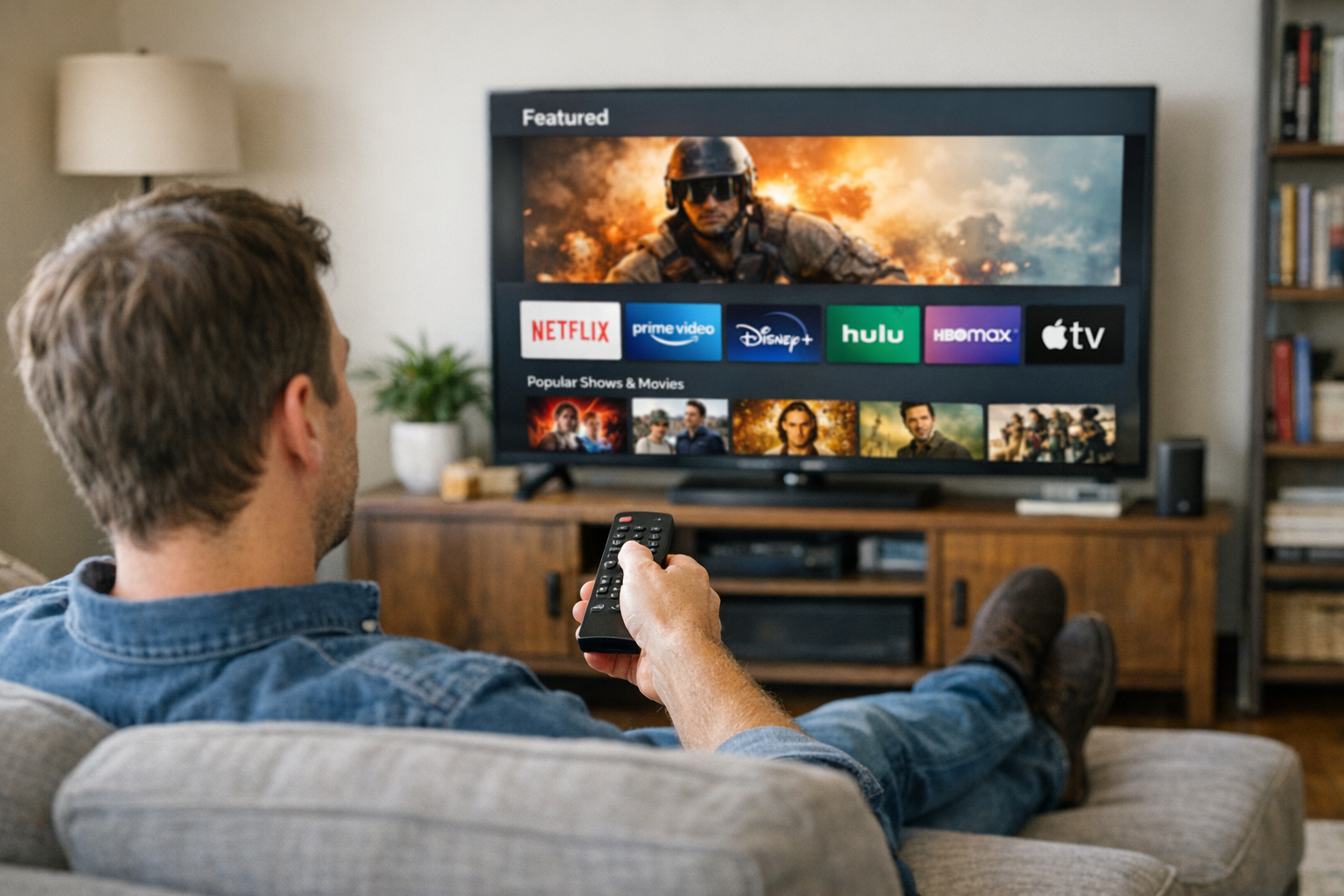
Streaming was supposed to be cheap. In 2026, the average household with Netflix, Disney+, Max, Hulu, and Paramount+ pays more per month than they used to pay for cable — without sports.
Here's the rotation system I use to keep my streaming spend under 25 dollars a month while still watching everything I want to watch.
The Math Most Households Don't Do
Add up what you actually pay:
- Netflix Standard: 15.49 a month
- Disney+ (no ads): 13.99
- Hulu (no ads): 18.99
- Max (no ads): 16.99
- Paramount+ Showtime: 11.99
- Apple TV+: 9.99
- Peacock Premium: 7.99
- Spotify or Apple Music: 11.99
Total: 107 dollars per month, or about 1,300 a year. That's more than most people used to pay for cable + internet bundled.
The fix isn't to give up streaming — it's to be deliberate about which services and when.
Strategy 1: Subscribe to One or Two at a Time and Rotate
Most streaming services don't have rolling content drops you'd miss by pausing. Most have one or two big shows per quarter.
A workable rotation:
- January-March: Netflix only (catch up on new seasons of major shows)
- April-June: Max only (late spring HBO drops)
- July-September: Hulu (current TV catch-up)
- October-December: Disney+ for the holidays (and any back-catalog catch-up on Hulu/Max)
Average cost: 15 to 20 dollars per month instead of 100+. You watch everything that matters within 90 days of release, just not all at once.
The friction is having to remember to subscribe and cancel. A subscription tracking app or a recurring calendar reminder solves it.
Strategy 2: Use the Big Bundles When They Make Sense
Some bundles genuinely save money if they cover what you'd already pay for.
Disney+ / Hulu / ESPN+ Bundle
Around 21 to 27 dollars per month for all three (with ads, no ads costs more). If you'd subscribe to even two of those individually, the bundle wins.
Apple One
Includes Apple TV+, Apple Music, iCloud storage, Arcade, plus News+ and Fitness+ in higher tiers. Starts at 19.95/month for Individual. Worth it if you'd already pay for Apple Music plus iCloud.
Verizon, T-Mobile, and Carrier Perks
Most major cell carriers include a streaming service free with certain plans:
- Verizon: free Netflix or Max with some plans
- T-Mobile: free Netflix Standard
- AT&T: free HBO Max with some plans
Check your carrier — you may already be paying for a service you forgot about.
Strategy 3: Family Plans Across Friends
Most services allow 2 to 4 simultaneous streams plus household members. Splitting a family plan with two or three trusted friends is legal as long as everyone agrees and it stays in your defined household per the terms (this varies by service).
A 23-dollar Netflix Premium split four ways is 5.75 each.
The catch: the recent crackdown on password sharing means you may need to add accounts as "extras" (5 to 8 dollars per extra) rather than truly sharing. Even with extras, splitting still works out cheaper than each person paying the full subscription.
Strategy 4: Use Free or Cheap Alternatives First
Several streaming services are completely free with ads, and the catalogs are bigger than people realize:
- Tubi — surprisingly deep movie catalog, owned by Fox
- Pluto TV — live channels and on-demand
- Freevee (formerly IMDb TV) — Amazon's free service
- YouTube — free, plus has its own original content
For older shows and movies, the free services often have what you want. Save paid subscriptions for the new specific shows you can't get otherwise.
Your local library typically offers free streaming through:
- Hoopla — movies, audiobooks, music
- Kanopy — film catalog from libraries
A library card costs 0 dollars. These services pay royalties from library budgets, not your wallet.
Strategy 5: Pause, Don't Cancel
Most services let you pause your subscription instead of canceling. Reactivating later is faster than re-signing-up, and you keep your viewing history and recommendations.
When you finish the show that brought you to a service, pause. Most major services (Netflix, Disney+, Max) keep your account alive for 10 months after a pause without losing data.
Strategy 6: Annual Plans Save 15-20%
If you'll definitely use a service all year, the annual plan is typically a discount:
- Disney+ annual is roughly 12 percent cheaper than monthly
- Apple TV+ annual is 16 percent cheaper than monthly
- Hulu annual deals appear during holidays at 30 to 50 percent off
The catch: lock-in. Only do annual on services you've verified you'll actually use for the full year.
Strategy 7: Audit Every Quarter
The biggest source of streaming waste is forgotten subscriptions. Open your credit card statement once a quarter and look at every recurring charge.
Cancel the ones you didn't use that quarter. You can always re-subscribe later. See our guide on cancelling subscriptions to save money for the full audit process.
Strategy 8: Switch to Ad-Supported Tiers
The math:
- Netflix Standard with ads: 6.99/month
- Disney+ Basic with ads: 9.99/month
- Hulu with ads: 9.99/month
- Max with ads: 9.99/month
If 5 ads in 60 minutes is acceptable to you, ad-supported tiers cut your bill 30 to 60 percent across the board. The ads are usually skippable on YouTube TV/Hulu Live, less so on the on-demand services.
What Streaming Hardware Saves Money Long-Term
A lot of streaming is wasted on a slow or older TV that you find frustrating to use. Two upgrades have real ROI:
- A fast streaming stick like Roku Ultra makes app-switching painless and adds Apple TV, etc., to older TVs
- A decent soundbar under 200 dollars makes shows watchable enough that you don't avoid your living room
Better hardware = more value extracted from each subscription dollar.
Frequently Asked Questions
Is cable cheaper than streaming now?
For pure entertainment, yes — basic cable plus internet often costs less than 5+ streaming services. The catch is cable contracts, equipment fees, and bundling with services you don't want. The honest comparison is: cheap streaming rotation (one or two services) is still cheaper than cable. Maximalist streaming (every service) is now more expensive.
Is it legal to share streaming passwords?
Technically violates most terms of service. Most services have rolled out crackdowns and "extra member" pricing. Practically: most platforms are still relatively lax for occasional sharing within a defined household. Read your specific service's policy before sharing widely.
Do streaming bundles ever save real money?
Sometimes — the Disney+/Hulu bundle saves about 12 dollars/month vs separate. Apple One can save around 6 to 8 dollars/month if you'd use Apple Music and iCloud anyway. Carrier perks can be free. Most other "bundles" are marketing repackaging at the same price.
Should I subscribe to live TV streaming (YouTube TV, Hulu Live)?
Only if you watch live sports or news that's not available elsewhere. Live TV streaming is usually 70+ dollars per month — if you don't watch live sports, you almost always save money with on-demand-only services.
Final Thoughts
Streaming costs add up because nobody watches the meter. Audit quarterly, rotate services rather than stacking them, use carrier perks and library streaming, and you'll cut your bill in half without giving up access to anything you actually watch.
Get weekly home tips that actually work
Join thousands of homeowners getting practical cleaning hacks, DIY fixes, and money-saving tips every week. Free, and you can unsubscribe anytime.

Written by
Priya PatelKitchen & Lifestyle Writer
Priya Patel is a former restaurant pastry chef turned home-cooking obsessive. She writes about meal prep, kitchen organization, and the small appliances actually worth your counter space. Priya tests recipes and gadgets out of a tiny Brooklyn galley kitchen, so she has strong opinions about what earns its footprint.
Recommended Products
Looking for specific product recommendations? Check out our tested picks.

Best Outdoor Patio Furniture Deals (2026 Spring Picks)
Late April is the sweet spot for patio furniture deals — pre-summer sales without late-season picked-over selection. Here are the picks worth buying now.

5 Best LED Light Bulbs to Cut Your Electric Bill (2026)
Switch to LED bulbs and save $100+ per year on electricity. We compared the top LED bulbs for brightness, color quality, and longevity — here are the 5 best picks.

Best Smart Thermostats to Lower Your Energy Bill (2026)
The best smart thermostats that actually save money on heating and cooling. We compare 5 top picks from Nest, Ecobee, Honeywell, and more with real energy savings data.
Related Articles
Best Outdoor Patio Furniture Deals (2026 Spring Picks)
Late April is the sweet spot for patio furniture deals — pre-summer sales without late-season picked-over selection. Here are the picks worth buying now.

12 Earth Day Eco Swaps That Save Money All Year
These 12 home swaps reduce waste AND save money — most under 30 dollars upfront and pay for themselves within a few months.

12 Budget Mother's Day Gifts That Actually Feel Thoughtful
Skip the generic flowers-and-card combo. These under-50-dollar Mother's Day ideas feel personal without breaking the budget.
Homemade Cleaning Supplies That Save Real Money (7 Recipes That Work)
Skip the 8-dollar bottles of name-brand cleaner. These 7 homemade cleaner recipes replace everything in the cleaning aisle with 4 basic ingredients.