Graduation Gift: Tech Essentials for College Success
This article may contain affiliate links. If you make a purchase through these links, we may earn a small commission at no extra cost to you. Learn more
Quick Answer
Graduation Gift: Tech Essentials for College Success
The four tech gifts that actually earn their place in a college bag are a reliable 13-inch laptop, noise-canceling headphones for studying anywhere, a high-output power bank that charges the laptop too, and a tablet for reading and notes. Buy one great anchor item rather than a pile of gadgets, and skip the printer.

Graduation Gift: Tech Essentials for College Success
I have shopped for four graduation gifts in the last six years, and I have learned the hard way that the worst thing you can do is hand a new college student a bag full of trendy gadgets. The smartwatch nobody charges, the second-screen monitor that never leaves the box, the label printer that felt clever in May. Half of it gets left at home by October.
The gifts that actually survive a freshman year are boring on purpose: things a student touches every single day and would have to buy themselves if you didn't. After helping outfit those four kids and watching what came home in the laundry-and-electronics pile each summer, I have a short, opinionated list. I have also done the math, because "tech gift" can mean $40 or $1,400 depending on how carefully you shop. Below is exactly what to buy, what to skip, and where the budget should go.

Start With One Anchor Gift, Not Ten Small Ones
Here is the single most useful thing I can tell you: pick one anchor item and build around it, instead of spreading the same money across a dozen accessories. A student remembers and uses the laptop you gave them for four years. They do not remember the third charging cable.
If your budget is generous, the anchor is the laptop. If it is modest, the anchor might be the headphones or the tablet, and that is completely fine. The point is to give one genuinely good thing rather than a basket of mediocre ones. This is the same buy-by-zone, skip-the-impulse-pile discipline I lean on for any tight space, including the budget dorm storage plan most of these students will also need.
A quick reality check on what a student actually does on a computer: word processing, web research, video calls, streaming, light spreadsheet work, and maybe some photo or design editing depending on the major. That is not demanding. You do not need to buy a workstation. You need something light, reliable, with all-day battery and a keyboard that survives four years of dorm abuse.
The Laptop: Buy Reliability and Battery, Not Specs You Won't Use
The laptop is where most families either overspend on power they will never touch or underspend on a machine that is gasping by sophomore year. The sweet spot for the average non-engineering, non-film-major student in 2026 is a thin 13-inch machine with a current Intel Core i5 or equivalent, 16GB of RAM, and a 512GB SSD. That configuration handles everything coursework throws at it and still feels fast in year three.
Dell XPS 13 Laptop Intel Core i5
A light, well-built 13-inch laptop with a current Core i5, strong all-day battery, and a keyboard that holds up to heavy daily typing.
Check Price on Amazon →Why 16GB of RAM and not 8? Because a student keeps 30 browser tabs, a video call, a streaming tab, and a document open at the same time, and 8GB chokes on that within two years. RAM is the one spec I will not let anyone cut to save $80. Storage you can supplement with cloud and an external drive later; RAM you usually cannot upgrade at all on these thin laptops.
A few honest notes from buying these repeatedly:
- Engineering, architecture, film, or data-science majors need more than the baseline. Ask the department what software is required before you buy. Some programs effectively mandate a specific platform.
- Buy the school's recommended platform if there is one. A few programs standardize on specific software that runs better on one operating system. A bargain laptop that fights the required tools is not a bargain.
- Skip the extended "accidental damage" plan from the retailer and check your homeowners or renters policy first. Many already cover a student's electronics away at school, and a campus IT desk handles a lot of repairs for free.
If the laptop blows the whole budget, that is acceptable. It is the one item where "good enough" and "actually good" are separated by real daily frustration over four years.
Noise-Canceling Headphones: The Quietly Great Study Gift
If I could give a college student exactly one gift, and the laptop was already handled, it would be a good pair of noise-canceling headphones. Dorms are loud. Libraries are loud in a different way. Roommates keep different hours. The ability to create a pocket of quiet anywhere is worth more to a GPA than almost any app.
You do not need the $400 flagship pair. The mid-tier models in the $130 to $180 range have gotten genuinely excellent, with 30-plus hours of battery and noise canceling that handles the steady hum of an HVAC system, a chatty common room, or an airplane on the trip home.
Sony WH-CH720 Noise Canceling Headphones
Lightweight over-ear headphones with effective noise canceling and 30-plus hours of battery, comfortable enough for a four-hour study session.
Check Price on Amazon →A judgment call worth making: over-ear headphones versus wireless earbuds. Over-ear pairs are more comfortable for long study marathons and have far better battery life, but they are bulky in a backpack. Earbuds disappear into a pocket and are better for the walk to class or the gym, but they are easier to lose and the battery is measured in hours, not days. For a primary study tool, I buy over-ear every time. If the student already lives in earbuds, get a quality pair instead. Don't buy both as a gift; let them spend their own money on the second pair.
A Power Bank That Can Actually Charge the Laptop
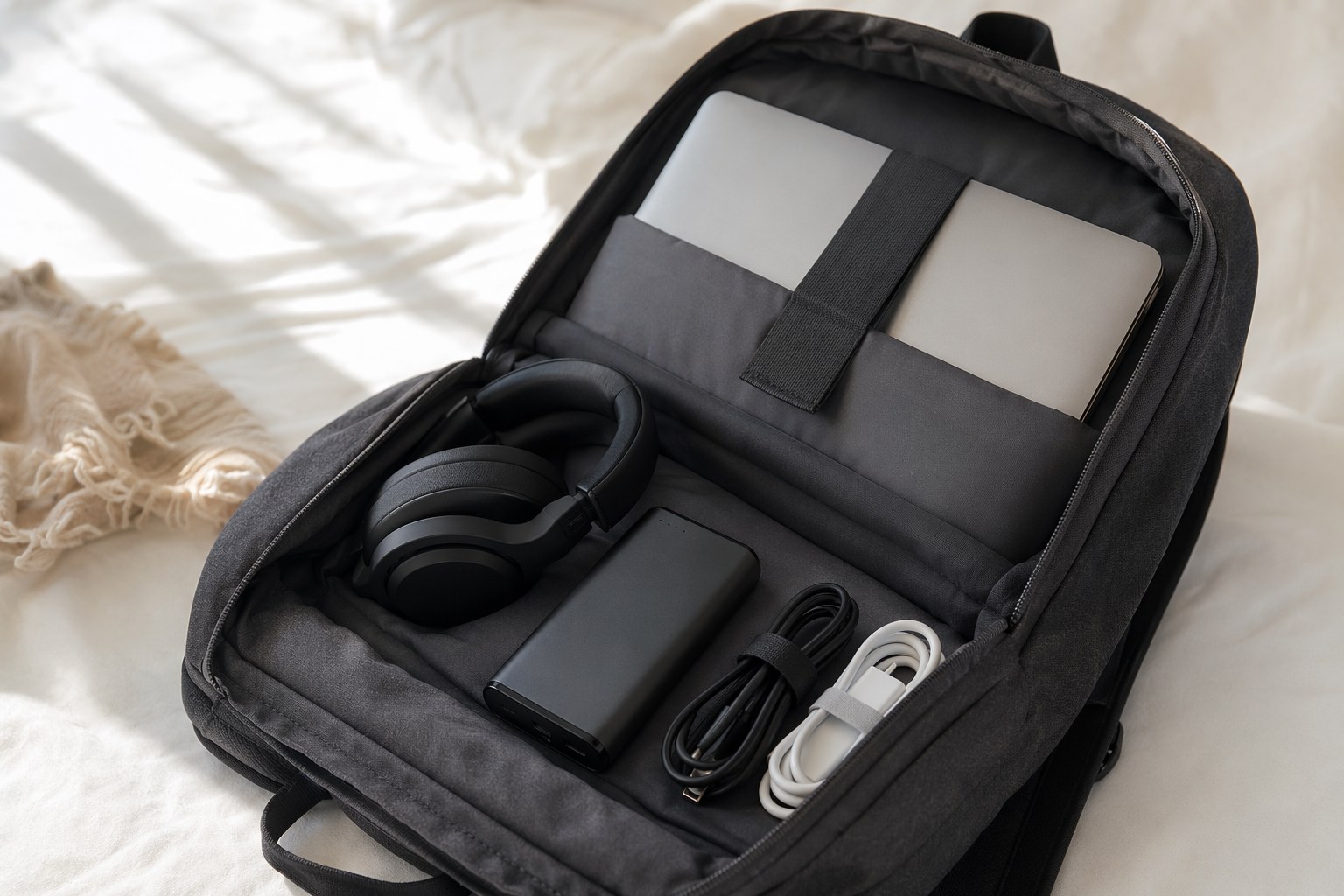
Most graduation gift guides list a $25 power bank that tops off a phone. That is fine, but it is not the gift. The genuinely useful version is a high-output USB-C power bank with enough wattage to charge the laptop itself, because the real student crisis is not a dead phone, it is a dead laptop in a lecture hall with no outlet during a three-hour exam block.
Look for at least 100W USB-C output and a capacity around 20,000 to 24,000mAh. That charges a thin laptop to a useful level, tops off the phone several times, and still slips into a backpack. The wattage is what separates a real laptop charger from a phone toy.
Anker 737 Power Bank 140W Fast Charge
A high-capacity 24,000mAh bank with 140W USB-C output that fast-charges a laptop and phone together, with a small display showing exact remaining charge.
Check Price on Amazon →One practical warning: check the airline carry-on rules before any flight home. Power banks must travel in the carry-on, never checked luggage, and most airlines cap capacity around 27,000mAh (100Wh). The banks I am recommending sit safely under that line, but a student flying with a giant off-brand battery can get it confiscated at the gate. Pair the bank with a single high-quality 100W USB-C charging cable, because the thin cable in the box is usually the first thing to fray and the limiting factor on charge speed.
A Tablet for Reading, Notes, and Travel-Light Days
This is the "if there's budget left" pick, and it is a strong one. A tablet earns its spot for two specific student tasks: reading and annotating PDFs (textbooks are brutally expensive in print, and digital versions cost less), and handwritten note-taking with a stylus for anyone in a math-heavy or diagram-heavy major. It also doubles as the device they carry on a coffee-shop afternoon when hauling the laptop feels like too much.
iPad Air 11-inch WiFi Tablet Student
A capable 11-inch tablet that handles textbook PDFs, stylus note-taking, video, and reading, light enough to carry when the laptop stays home.
Check Price on Amazon →Be honest about whether the student is a tablet person, though. Some take all notes by hand on paper, and for them a tablet becomes an expensive Netflix screen. If you are not sure, this is a perfect gift to give jointly with another family member, or to skip in favor of putting that money toward more laptop RAM. Don't buy the keyboard case and stylus at the same time on a guess; let the student confirm they want them after a few weeks of use.
The Optional Upgrade and the Things I'd Skip
For a student who games to decompress, or who simply types for hours and hates the laptop's flat keyboard, a compact mechanical keyboard is a small, genuinely appreciated extra that makes the desk feel like their own. A 65% or 75% layout saves precious desk space in a dorm.
Mechanical Keyboard Gaming Work RGB
A compact mechanical keyboard with satisfying tactile keys and adjustable lighting, a desk upgrade for students who type or game for hours.
Check Price on Amazon →Now the things I would not buy as a graduation gift, having watched them gather dust:
- A personal printer. Every campus has free or near-free printing, and a dorm printer is a constant out-of-ink, out-of-paper headache. Skip it.
- A smartwatch. Lovely, but it is a personal preference item the student should choose themselves, and it needs daily charging they often won't do.
- A second monitor. Great for a home office, almost useless on a tiny shared dorm desk. Wait until they have an apartment.
- Cheap no-name electronics. A $19 power bank or a $25 "noise-canceling" headphone undermines the whole point. Buy one good thing, not three bad ones.
Whatever the student takes to campus, the setup only works if it has a home. The same everything-needs-a-place logic behind a productive home office and a family command center keeps a dorm desk from becoming a cable graveyard, and a tidy charging-and-sleep zone genuinely helps, which is why I'm a believer in the habits from organizing a bedroom for better sleep.
How to Spend the Budget
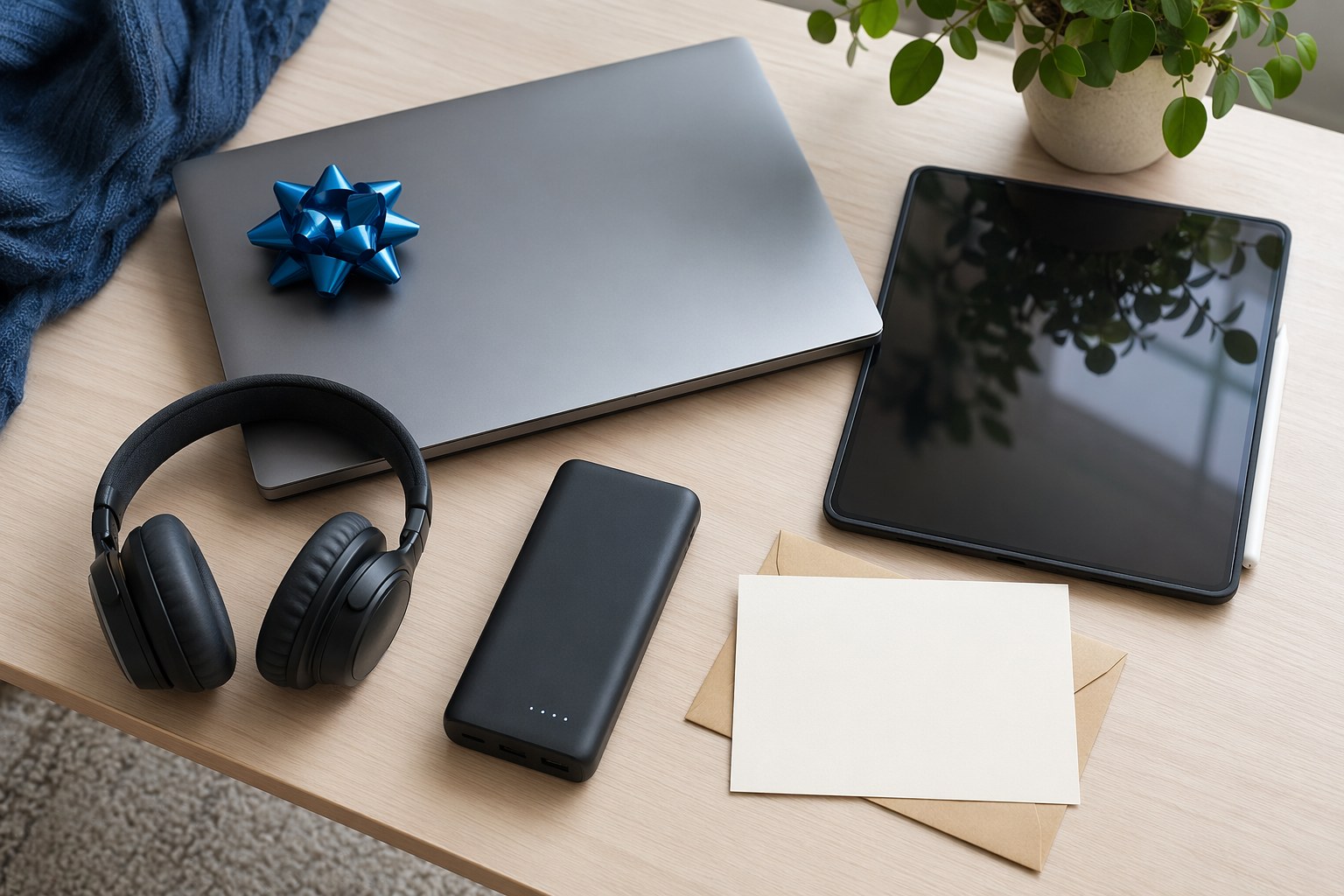
If you have around $1,400, buy the laptop, the headphones, and the power bank, and let the student pick the tablet later. If you have around $300, get the headphones and the power bank and a great cable; those two items punch far above their price every single day. If you have $1,000, the laptop alone is a complete, gift-worthy present and you do not need to add a thing.
The pattern across all four kids was the same: the gear they thanked me for two years later was never the flashiest item. It was the laptop that still worked, the headphones that made the library bearable, and the battery that saved an exam. Buy fewer, better things, write a card explaining why you chose them, and you will have given a gift that lasts the whole degree.
Frequently Asked Questions
How much should I spend on a graduation tech gift?
There is no right number, only the right item for your number. A $130 pair of noise-canceling headphones is a fantastic gift; so is a $1,000 laptop. Spend on one thing the student uses daily rather than spreading the budget across gadgets that get left at home.
Laptop or tablet for a college student?
A laptop, almost always, as the primary device. Coursework needs a real keyboard, full software, and a proper file system. A tablet is an excellent companion for reading and notes, but it does not replace a laptop for writing papers and running required programs.
How many GB of RAM does a college laptop need?
Get 16GB if you possibly can. 8GB feels fine on day one and struggles within two years under the dozens of browser tabs and background apps students actually run. RAM usually can't be upgraded on thin laptops, so buy enough up front.
Should I buy a printer for a college student?
No. Campuses provide cheap or free printing, and a dorm printer is a recurring ink-and-jam frustration. Put that money toward a power bank or better headphones instead.
What tech do students forget but really need?
A high-output power bank that can charge the laptop, a spare quality charging cable, and noise-canceling headphones. These three are easy to overlook on a gift list and get used more than almost anything else.
Get weekly home tips that actually work
Join thousands of homeowners getting practical cleaning hacks, DIY fixes, and money-saving tips every week. Free, and you can unsubscribe anytime.

Written by
Beth SullivanFounder & Editor-in-Chief
Beth Sullivan is the founder of Practical Home Guides. With over a decade of hands-on experience tackling every home challenge imaginable, she started this site to share the practical, no-nonsense solutions she wishes she had found years ago. When she's not testing cleaning hacks or organizing pantries, you'll find her in the garden or working on her next DIY project.
Recommended Products
Looking for specific product recommendations? Check out our tested picks.

Best Garage Shelving Systems (2026 Tested)
Wire shelving, freestanding steel, wall-mounted, and overhead — we tested the garage shelving systems that hold real weight without sagging.

5 Best Closet Organizer Systems Under $100 (2026)
Transform your cluttered closet without spending a fortune. We compared the top closet organizer systems under $100 — here are the 5 best for different closet sizes and needs.

Best Storage Bins and Organizers for Every Room (2026)
The best storage bins, baskets, and organizers for closets, pantries, bathrooms, and garages. Practical picks at every price point to get your home organized.
Related Articles

The Complete Home Organization System: A Room-by-Room Master Plan
A room-by-room home organization master plan with a proven system, product picks, and a realistic schedule to organize your entire house without burning out.
Hurricane Season Prep: June 1 Home Readiness Checklist for Coastal Areas
A June 1 hurricane readiness checklist for coastal homes: build your emergency kit, harden the property, and stockpile supplies before the season peaks in fall.

Summer Bedroom Comfort: Cooling Bedding & Sleep Setup Guide
A sleep coach's guide to staying cool in hot weather: breathable bedding, pillow placement, and temperature hacks for better rest from May through August.

Graduation Room Makeover: Transform Dorm Decor Without Breaking Bank
Transform a blank dorm into a personalized space for under $150. Renter-safe wall decor, warm lighting, layered textiles, and furniture arrangement tricks.